
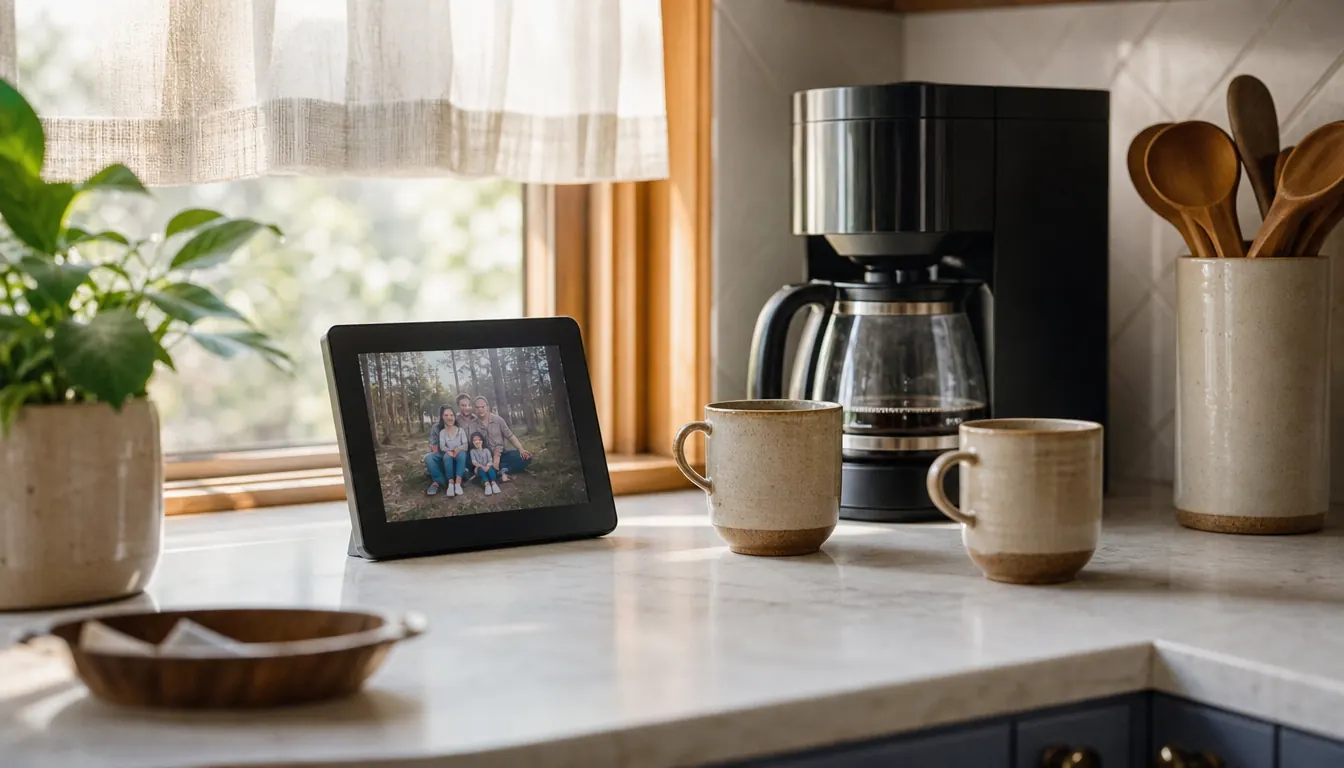
There are four hundred photographs in your phone and your grandmother has seen about eleven of them. Nobody is at fault. The pictures are good, the intent is good, and there is still no easy pipe between your camera roll and her kitchen counter. You meant to print them. You meant to text them, and you did text them, and she looked at them once and then they scrolled away and she could not find them again. She has a shoebox of pictures from 1998 that she can put her hands on in ten seconds, and a phone full of things she cannot reach. That is the gap a digital frame is supposed to close. It only closes if somebody in the family does about fifteen minutes of work and then keeps doing a small thing every week.
My daughter closed it for us in December 2024. She sent a Skylight frame to the house, called on a Sunday afternoon, and talked me through the setup in about fifteen minutes while I stood at the kitchen counter with the phone tucked against my shoulder. The frame has sat beside the coffee maker ever since. All five grandchildren and both of our children send photographs to it, from three different states. I have not printed a picture since, and I do not miss it. What follows is the version of those instructions I would give you if you were standing in my kitchen with a cup of coffee and a phone in your hand.
The fifteen-minute setup my daughter walked me through on a Sunday afternoon
A ten-inch touchscreen frame that runs on Wi-Fi, takes photographs by email or from the Skylight app, and keeps showing the pictures already on it when the internet drops. It is the one thing on my counter that the whole family can add to.
Amazon Check Today's Price on Amazon →Five Steps, Start to Finish
Step 1: Plug it in and get it onto her Wi-Fi
The frame runs on a cord, so pick the spot first and make sure there is an outlet within reach. Ours is on the kitchen counter next to the coffee maker, which is the most-used square foot in the house. Wherever it goes, it should be a place the person actually stands still for a minute. A frame in a spare bedroom is a photograph album nobody opens.
During setup the frame walks you through connecting to the home Wi-Fi and then asks you to choose a unique Skylight email address. That address is the whole system. Write it down, or better, have the person doing the setup read it back to you out loud so you can type it into your phone right then. If you are setting up the frame for someone who lives three hours away, do what my daughter did and stay on the phone while they read the screen to you one line at a time.
A practical note about the person on the other end. My husband Walt is seventy-five, wears reading glasses, and does not care for small screens. He did not do this setup and he did not need to. Setup is a one-time job for whoever is most comfortable with a phone. After that the frame just sits there and receives.
If the frame is a gift and you are setting it up before you deliver it, do the Wi-Fi part at her house, not yours. The frame has to join her network. A frame configured at your kitchen table will sit on her counter asking for a network it cannot find, and nobody will know why.
Give it a spot with a little light in the room. The screen is ten inches with a 1280 by 800 resolution, and it is easy to read from across a kitchen, but not if it is facing a bright window all afternoon.
Step 2: Save the frame's address before you send anything
Add the address as a contact under something you will recognize in a hurry, like Mom's Frame or Ruth's Frame. I have two saved: the one in our kitchen and the one I bought my sister Ruth in Harrisburg in the spring of 2025. Naming them properly saves you from sending a photograph of a birthday party to the wrong living room, which I have done exactly once.
Then pass the address around. Put it in the family group text with one sentence of instruction: this is the address, send pictures to it. The people who actually use it are usually the ones you least expect. In our family that is a nineteen-year-old grandson who sends photographs of his truck and a seven-year-old who sends photographs of her drawings, most of them of horses.
Type the address rather than letting autocorrect finish it. It is a long address and one wrong letter means the photograph lands nowhere, and nothing tells you it failed. When my daughter first set this up she had to send me the address twice before I got it into my contacts correctly.
Do not over-explain the rest. The reason this works where a photo-sharing app does not is that nobody has to learn anything. A person who can read an email can put a picture on a frame. That is the entire skill, and it is one most people already have.
Step 3: Send photographs straight from your camera roll
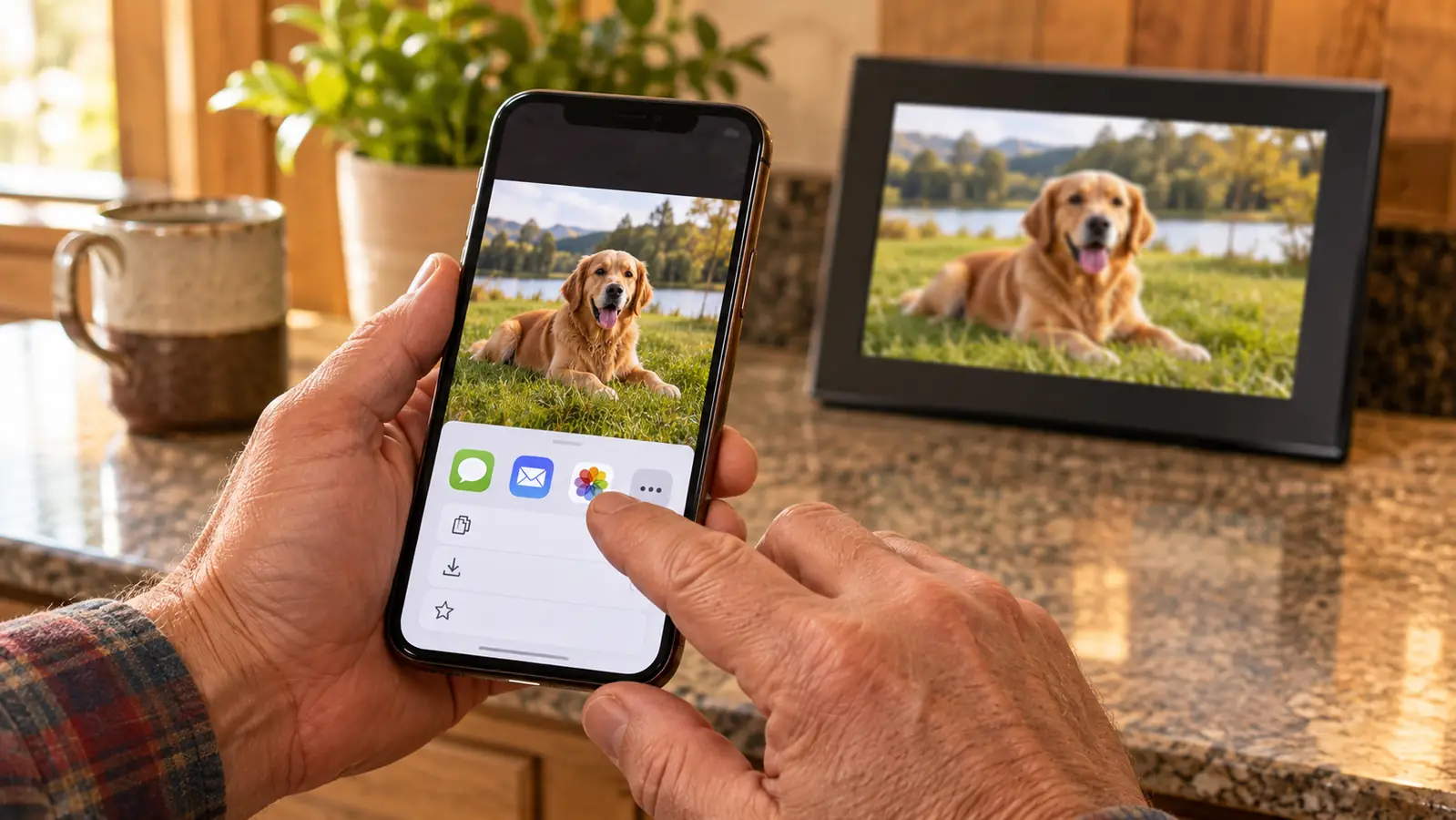
Open the photograph, tap share, choose your mail app, type the frame's address, and send. Do not resize anything and do not crop. An ordinary phone photograph fills that screen beautifully. On an iPhone the share sheet offers Mail; on an Android phone it will be Gmail or whatever you already use. Both get the job done.
Send one or two at a time when the picture is worth talking about. A single photograph of the first snow on the porch will earn you a phone call. Thirty photographs of the same birthday party will earn you a polite silence, because she will look at the first four and then the frame will move on to something else. There is a rhythm to this and the rhythm is slower than you think it is.
If the picture lives somewhere other than your camera roll, move it there first. Screenshots, photographs downloaded from the family group chat, and pictures somebody texted you are all in different places. The frame does not care where a picture came from, but your phone's share button only turns up in some of those places.
I send pictures on Sunday evenings, mostly. It gives us something to talk about on Monday. If you want a system, make it a small one you will actually keep. One picture a week beats forty in one afternoon followed by nothing until Christmas.
The address is the whole system. Anyone in the family who can send an email can put a photograph on her kitchen counter, and nobody has to teach her anything.
Step 4: Use the app when you have a stack to send
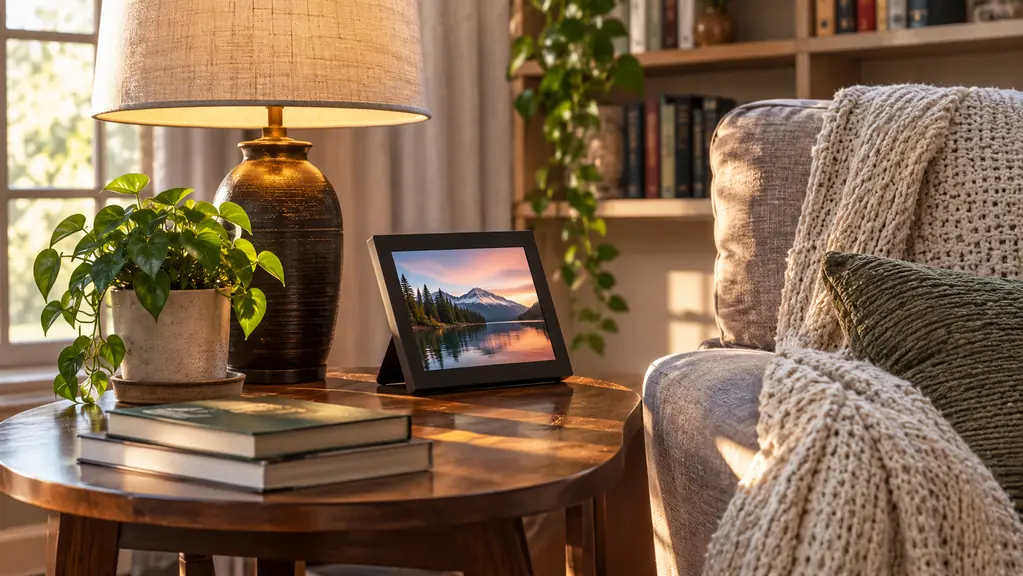
The frame is controlled through the Skylight app, and the app is the faster route when you have nine pictures from a single afternoon. Install it, connect it to the frame, and send the batch in one go instead of nine separate emails. I use the app for holidays and email for everything else. There is no prize for picking one method and sticking to it.
The app is also the less annoying place to do the job if you are the person in the family who ends up as the unofficial administrator. When a photograph does not appear, it is almost always the Wi-Fi at her end. The fix is usually to unplug the frame, count to ten, and plug it back in.
Install the app on your phone, not hers. If she has a smartphone and wants it, that is fine, but the default should be that all the sending happens from the younger end of the family. The fewer decisions she has to make, the more the frame gets used.
Do not hand her an app to manage unless she asks for it. Walt has a flip phone and no interest in installing anything, and the frame works perfectly well for him as a thing on the counter that shows pictures. Sending is your job. Receiving should require no decisions at all.
Step 5: Check what landed, then leave it alone
A week after setup, ask a simple question: what is on the frame right now? If the answer is the same three pictures from Christmas, something did not take. Nine times out of ten it is the Wi-Fi. The other time it is a mistyped address, which is what step two is for.
The frame keeps playing the photographs already on it when the internet goes out. That sounds like a small thing and it is not. My sister Ruth's internet drops regularly. The difference between a dark screen and a screen still showing her granddaughter's graduation is the difference between a broken gift and a working one.
Walt and I have one rule about the counter, which is that nothing gets stacked in front of the frame. It sounds fussy. It is the difference between a picture you glance at forty times a day and a picture you see when you remember to move the mail.
Then leave it alone. The touchscreen means she can tap through at her own pace on the rare afternoon she wants to, and it means nobody has to hand her a remote or explain a menu. Ten inches is big enough to see from a chair without getting up, which matters more each year.
What Else Helps
Send pictures of ordinary things. The wedding photographs are lovely and the ones she will look at longest are the ones of the driveway, the new back door, the neighbor's dog, the grandchild asleep on the couch. Walt's line about this is that he does not want the highlights, he wants the weather.
Loop in the whole family early. One person sending every photograph is a hobby. Five people sending one a month is a family. My daughter set ours up and the nineteen-year-old grandson keeps it alive, and I have stopped being surprised by what turns up on the counter.
Give it a month before you decide it was a mistake. The first week a new frame shows whatever came in first, which is usually a test photograph of somebody's ceiling. By the third week there is a mix on it, and that is when people start stopping in front of it on the way to the kettle.
It does not replace calling. I want to be clear about that, because a frame is a supplement and not a substitute. What it does is give you something to call about. Half my conversations with my son now start with a picture of his garden that appeared on the counter two days earlier.
If you are buying the frame as a gift, set it up before you wrap it, or plan the call and put it on the calendar. The gift is not the box. The gift is the fifteen minutes where somebody patient walks her through it, and then the years of photographs that follow. A frame that arrives unconfigured and stays in its packaging is the most common way this particular present fails, and it is entirely avoidable.
One address, five family members, and a counter that keeps changing
The Skylight frame on our counter runs on Wi-Fi, takes photographs by email or from the app, and keeps playing what is already on it when the internet drops. Set it up once, hand out the address, and stop meaning to print things.
Amazon Check Today's Price on Amazon →