
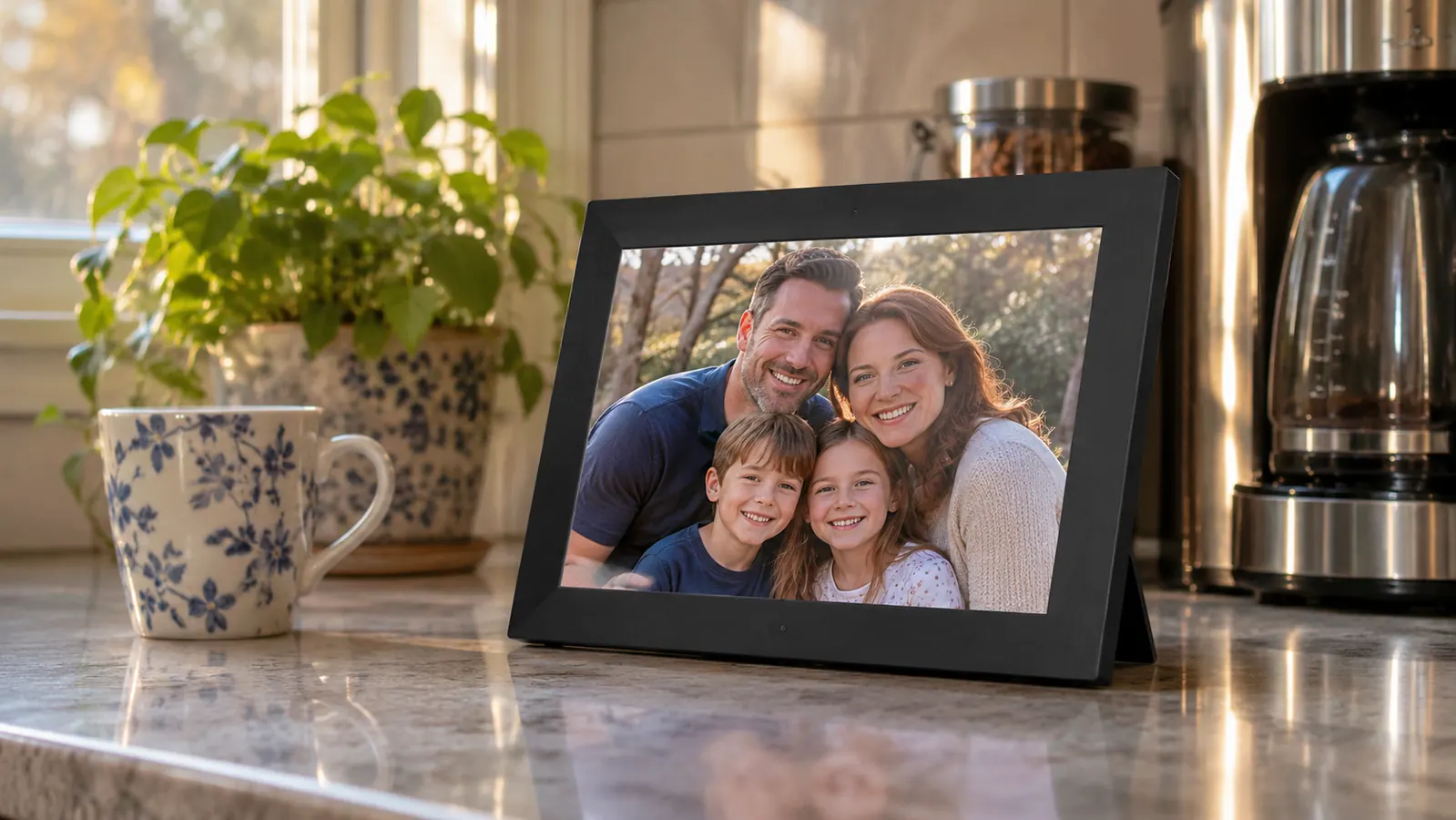
Short answer: in this house, the Skylight. My daughter gave us one for Christmas in 2024 and it has sat on the kitchen counter next to the coffee maker ever since. My husband Walt is seventy-five, he has a flip phone and no patience for apps, and he has never once asked me how to work it. For a piece of technology in a house with two people in their seventies, that is the highest praise I have.
The Aura is a good frame and I want to say that plainly. A friend of mine has one in her den and she is happy with it. This is not a case of one being junk and the other being wonderful. But there is one difference that decides the question when the person receiving the gift is a grandparent, and it has nothing to do with how the photographs look.
On the Skylight, each frame gets its own email address. My daughter set ours up. Since then both of my children and all five grandchildren, who range in age from seven to nineteen, send photos to that address the way they would send a text. Nobody installs anything. Nobody has to remember a password. My son sent one from a parking lot last spring and it was on the counter before he got home. On my friend's Aura, every picture arrives through the Aura app, which means every person who wants to send one has to install it and then keep remembering it exists. In my family that would have lasted about three weeks.
That is the short version. What follows is the longer one, including the two things the Aura genuinely does better and the reason I still bought a second Skylight for my sister.
Skylight and Aura Side by Side
| Skylight | Aura | |
|---|---|---|
| Sending a photo | Anyone can email the frame's own Skylight address, no app required | Photos come in through the Aura app, so every sender installs it |
| Screen and controls | 10 inch touch screen, 1280x800, 16:9 | The Aura I have used at a friend's house has no touch screen; you scroll from the phone |
| Storage | 8 GB of memory inside the frame itself | Built around the phone app, so nobody manages frame memory |
| Setup | Plug in, join the Wi-Fi, choose the Skylight email. Fifteen minutes with my daughter on the phone | App setup, easier when the person giving it is standing in the room |
| When the internet is out | Offline mode keeps showing the photos already on the frame | App-first design, so ask before you count on it |
| Looks on a table | A plain rectangle that sits well next to a coffee maker | The better looking object, in my opinion, by a wide margin |
| Grandchildren | The seven-year-old can send a photo with a parent's help | Needs a phone and the app, so the youngest are out of it |
| Cost | Check today's price before you decide | Worth checking the current price the same week |
| Best for | A big family where cousins, aunts and neighbours all want in | One person running a tidy library from an app she likes |
Where Skylight Wins
It asks nothing of the person holding it. That sounds small and it is not. Walt does not tap through menus. He walks past the counter with his coffee in the morning and there is a new photograph of a grandchild at a swim meet or a school concert, and he stops for a second and then goes on with his day. Nothing is required of him. My sister Ruth is sixty-eight, widowed, and lives alone in Harrisburg. I bought her a Skylight in the spring of 2025 and it sits on her living room end table. Ruth is not helpless with a phone, but she has no interest in learning a new one, and in all the months since she has never called me with a problem.
I tried something else first, and it is worth telling you because it is the obvious alternative. For Ruth's birthday in 2023 I had a hardcover photo book printed, forty pages, pictures of her late husband and the garden and a few of my grandchildren. She looked through it twice the week it arrived and now it sits on the shelf with the cookbooks. I asked her about it this summer and she had to think for a moment about where it was. A book does not change. A frame does, which is the whole point of it, and it is why I bought her a Skylight the following spring instead of a second book.
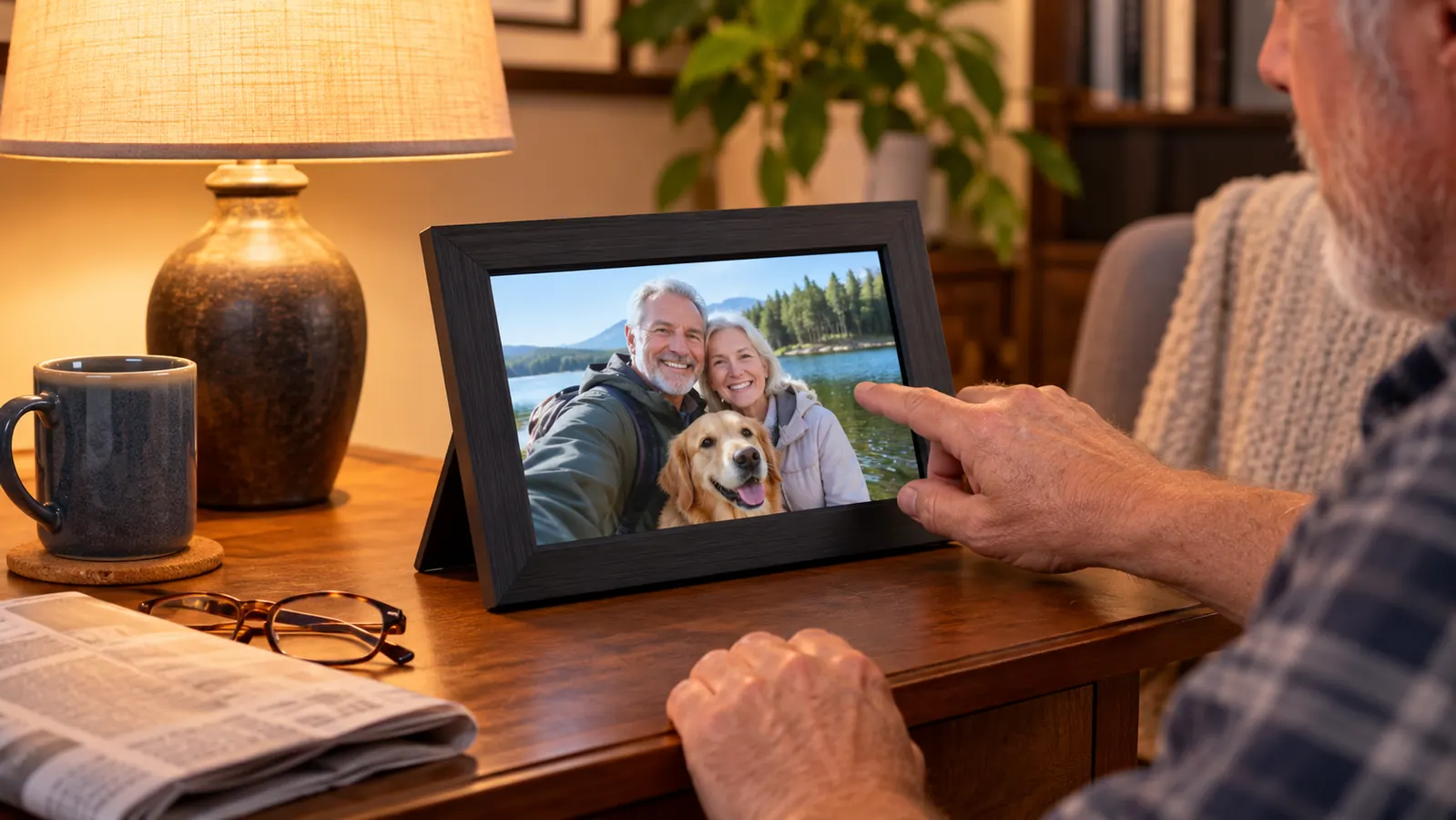
The touch screen is the other half of it. It is a ten inch display at 1280 by 800, and with my bifocals I can read the small date in the corner. When the grandchildren visit, the seven-year-old swipes through the album without being told how, which tells you most of what you need to know about how hard it is. Walt has arthritis in both hands and a tap on glass is easier for him than a small button on a remote. Last February the internet went out for most of a day and the frame kept showing the photographs already loaded on it, which is more than our television managed.
Where Aura Wins
It looks better. My friend's Aura looks like a picture frame that came from a furniture store. Ours looks like a small television that happens to be showing a photograph. If the frame is going in a living room where people sit and look at the walls, Aura wins that argument and it is not close. Having no touch screen also means no fingerprints on the glass and nothing for a seven-year-old to press by accident while she is supposed to be eating her breakfast.
Storage and tidiness go to Aura as well. The Skylight has eight gigabytes of memory inside the frame. That is plenty for us and it has never once been a problem, but it is a number somebody in your family will eventually have to think about. Aura is built around the phone app, so the managing happens on a phone that gets replaced every few years anyway, and nobody ever looks at a memory figure. Aura is also designed to be handed over as a gift, box and all, in a way the Skylight is not. If your family already lives in apps, Aura asks almost nothing of them.
And I should be fair about the app, because I have been hard on it. My friend's daughter set up her Aura, and the four people who actually send her photographs are the four people who were standing in the room that weekend. It works for her because the circle is small and everyone in it already had the app installed. The trouble only starts a year later, when somebody new wants in and has to be talked through it over the phone by a person who has long since forgotten how it went.
The frame my son can send to from a parking lot
No app for him to install, no password for him to lose. The Skylight takes photos by email, which is why a house full of teenagers and grandparents actually keeps using it.
Amazon Check Today's Price on Amazon →What the Grandchildren Actually Do With It
The seven-year-old treats it as a mirror of her own life. She will stand in front of it and wait for her school picture to come around again, and then announce it to the room. The nineteen-year-old sends from college, usually landscapes and food, and occasionally a photograph of himself with his hair cut badly. The middle ones send when a parent reminds them, which is often enough.
None of them have ever asked to look at it on a phone, which is the part I did not expect. The frame is not an app to them. It is the thing on Grandma's counter that shows what they sent, and they check it when they visit the way they check whether their drawing is still on the refrigerator. Something that lives in a phone can be swiped away. Something on a counter is still there in March.

The Setup Question Nobody Answers
The question I get from friends is whether their mother will be able to set this up on her own. No. Not on her own, and that is true of every frame in this category, Aura included. My daughter did ours over the phone in about fifteen minutes. She talked me through plugging it in, joining the house Wi-Fi, and choosing the Skylight email address. That was the entire job.
What matters is the week after. My daughter wrote the frame's email address on an index card and taped it inside the cupboard above the coffee maker. When my son wants to send something, he asks me for it or he digs out the card. That index card is the whole instruction manual for our family, and it has outlasted every other piece of paper in this kitchen.
If you are giving this from a distance, plan the setup for a visit or for a long phone call when you are both sitting down. Have the Wi-Fi password written on paper before you start, because hunting for it while somebody waits is how these afternoons go wrong. Our nineteen-year-old grandson has helped with ours when the router was replaced, and even he only needed a few minutes. It is not difficult. It is just not something to do over a hurried call from a grocery store parking lot.
One more thing about the connection, since people ask. Ours runs on the same network as everything else in the house and it has dropped twice in a year, both times in a heavy storm. Both times the frame went on showing the photographs it already had and picked up again when the router came back. Nobody here had to do anything, which for Walt is the whole measure of whether a device is worth keeping.
What a Year on the Counter Actually Looks Like
Photographs arrive in bursts. A batch after a birthday party, then three quiet weeks, then four in one afternoon because a granddaughter got a new phone and went through her camera roll. Nobody has ever complained about the quiet weeks. The frame cycles through what it has, and after a year there are pictures on it that I had forgotten were taken.
Some days it earns its place. On the morning of my granddaughter's confirmation last spring, four photographs were on the counter before I had finished my first cup of coffee, sent from the church by two aunts and an uncle who were all standing in the same room. I could not have described that to you beforehand and I would not have thought to ask for it. That is what the frame is for, and it is why I have stopped trying to explain it to people and simply tell them to buy one and see.
The honest downside is that it becomes furniture. You stop seeing it the way you stop seeing the clock on the wall, and that is fine until a visitor says what a nice photograph and you realize you have not looked at it properly in a week. Blurry pictures come through too, and screenshots, and one memorable close-up of a neighbour's cat. You have to be willing to send a short reply asking for a better one. The other small annoyance is the cord. It needs an outlet, not a spot on a shelf across the room, so decide where it is going before it arrives.
Walt has a flip phone and no patience for apps. He has seen new photographs of his grandchildren every morning since December of 2024.
Who Should Buy Which
Buy the Skylight if the family is large and mixed. If there is an uncle who will email a photograph but will never install an app, if there are cousins and neighbours who want in, if the person receiving it is not going to troubleshoot anything, the email address is the feature that matters. It is also the one I would choose for someone living alone, because a frame that fills itself is company in a way that a frame requiring a phone is not. I bought one for Ruth on exactly that reasoning and I would do it again.
Buy the Aura if the recipient's family is small and comfortable in apps, and if the frame is going somewhere it will be looked at as an object rather than as a screen. Aura is the better looking piece of furniture and the tidier story on storage. If you are handing it to someone who will run the whole thing from her own phone and enjoy doing it, the Aura will suit her, and she will not miss the touch screen.
Either way, do not simply hand over a box. Sit with her, or get on the phone, and set it up together. Write the address or the app name on a card. Send the first five photographs yourself before you leave the house, because a frame with one photograph on it looks like a mistake and a frame with five looks like a gift.
Fifteen minutes on the phone with your daughter, then years of photographs
That has been our experience since Christmas of 2024. One Skylight on the kitchen counter, five grandchildren sending to it, and nothing for Walt to learn.
Amazon Check Today's Price on Amazon →