
In December 2024 my daughter set a box on the kitchen table and told me not to argue about it. I am seventy-two, the house is full, and my first thought was that I did not want another screen in my kitchen. We have a radio by the sink and a coffee maker Walt has taken apart twice.
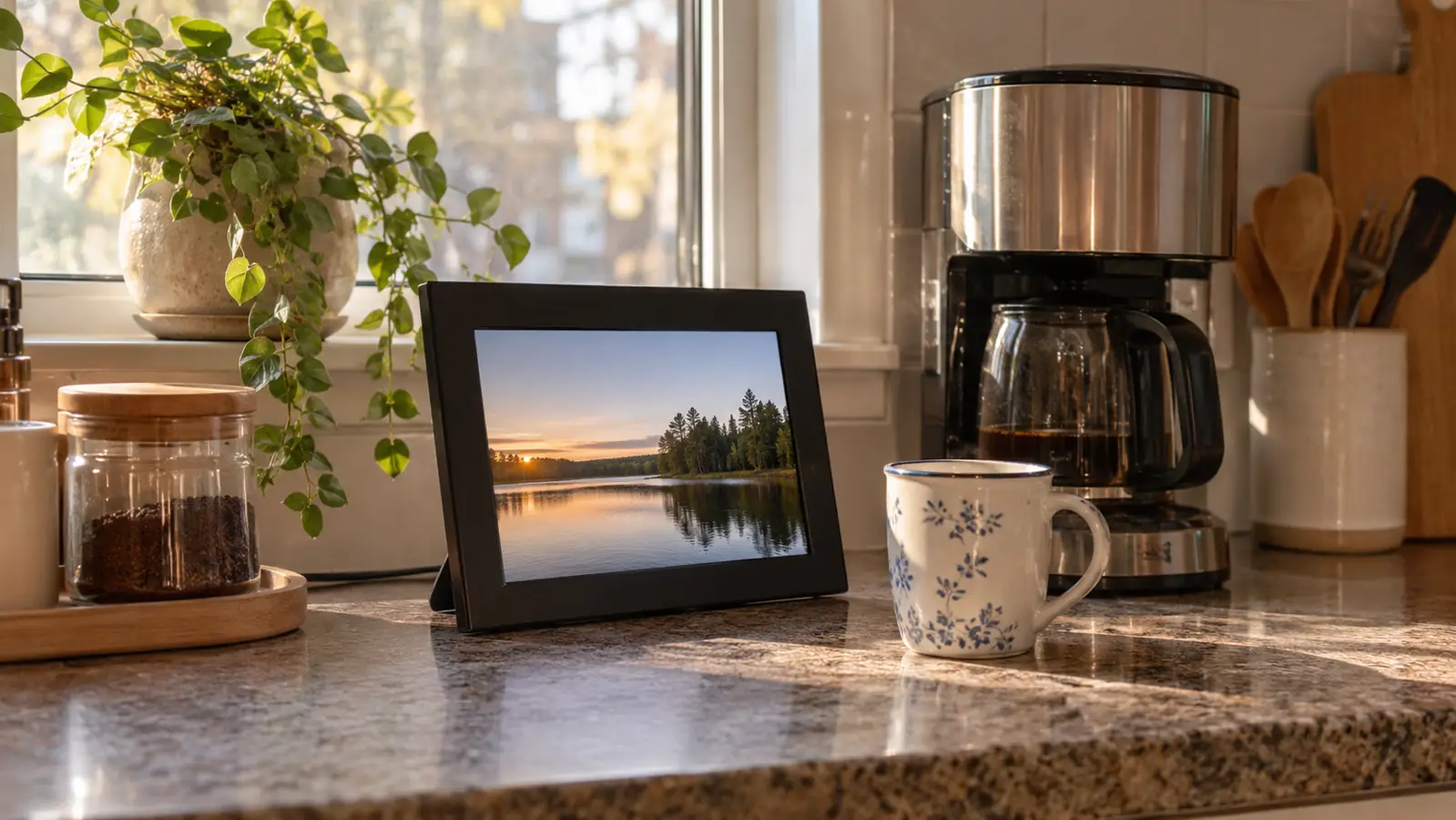
The box held a Skylight digital frame. It has sat on the counter beside that coffee maker ever since, and it is the only thing from that Christmas still doing daily work in this house. Not the candle. Not the towel set. The frame.
The Quick Verdict
A ten-inch touchscreen frame that runs itself once one family member sets it up. Photographs arrive by email, so nobody has to teach a grandparent an app. That is most of the value, and it is real.
Amazon Check Today's Price →Fifteen minutes of setup, then the photographs arrive on their own
This is the frame on our kitchen counter. If you are the one giving it, plan on one phone call, a Wi-Fi password, and an email address you hand out to the family.
Amazon Check Today's Price on Amazon →How I've Used It
Most mornings I come down before Walt and the frame is already working through whatever arrived overnight. My son sends pictures of his vegetable garden in a way that suggests he is prouder of the tomatoes than of anything else he has done. My granddaughter sends pictures of her dorm room, her friends, a dog belonging to somebody she knows. All five grandchildren and both of our children have the email address, which is the whole system. Nobody has to open an app, remember a password, or ask me whether I got it. There was a morning in February when a picture of my grandson standing in a snowbank in a coat too thin for the weather arrived before I had finished my first cup. I knew about that snowbank by nine o'clock. Ten years ago I would have heard about it the following Sunday, on the telephone, secondhand, and I would have said something sensible about the coat and the moment would have been long gone. That is a small thing. It is also the whole reason the frame stays plugged in.
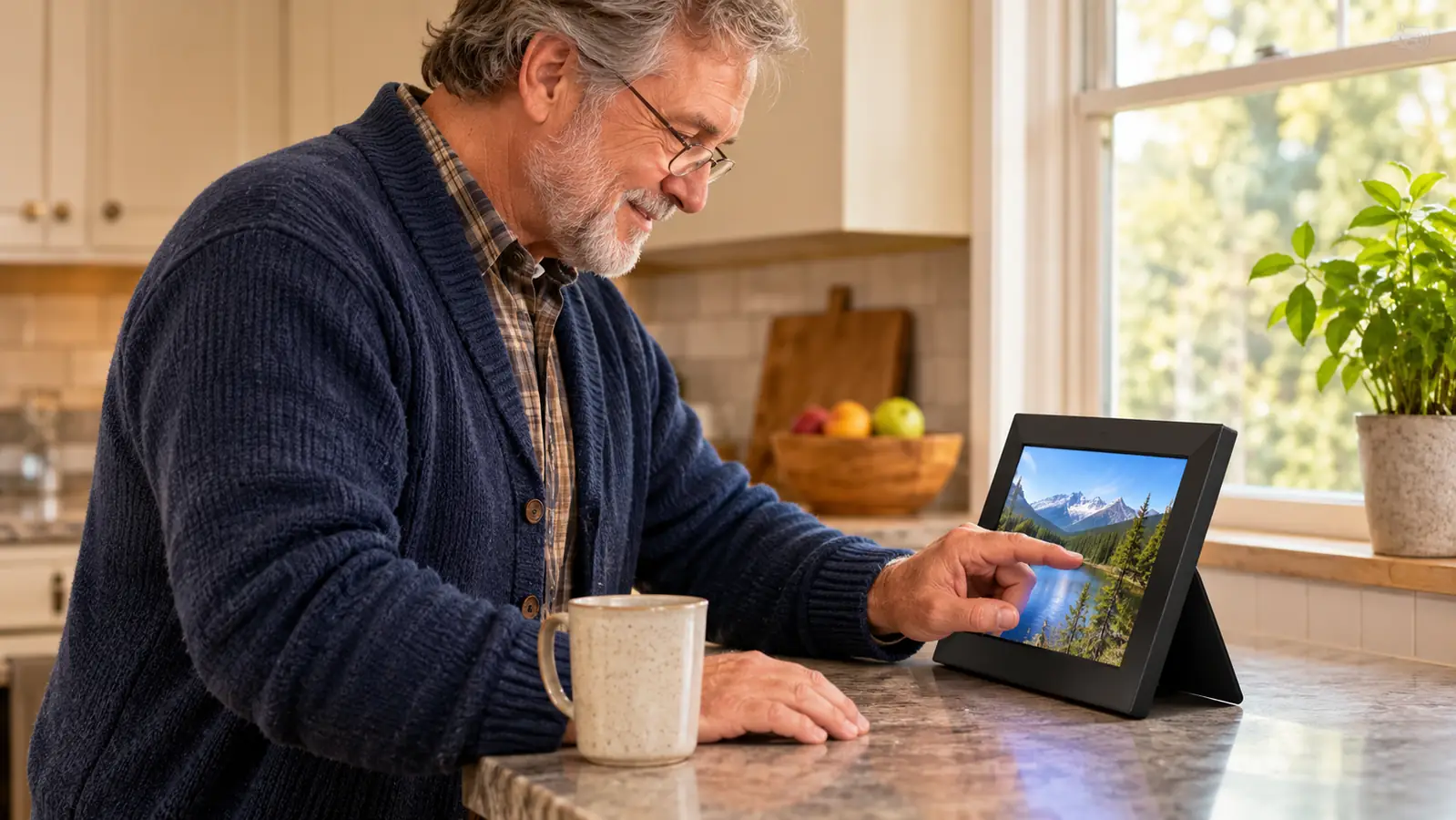
Walt uses it more than I expected. He does not have the app and does not want it. He wears reading glasses, and his hands bother him in the cold months, so what he does is walk up to the counter with his coffee, look, and touch the screen to move on to the next picture. Ten inches at 1280x800 is large enough that he is not squinting. That is the entire interaction, and it is all either of us wants. The touchscreen matters more than I would have guessed, because it means he is doing it himself instead of asking me to do it for him.
Before this we had a shoebox of prints from the pharmacy and a phone full of pictures I could not find when I wanted them. I am not going to pretend the frame replaced a gallery wall. What it replaced was the habit of asking. For years, seeing a new picture of a grandchild meant somebody remembered to text one, and then it sank into the phone. Now the pictures come to a thing sitting in the room, and I see them whether or not anybody remembers.
What the Frame Actually Does
Strip away the language on the box and it is a ten-inch color touchscreen on a stand, with Wi-Fi and 8 GB of storage inside and a cord running to the wall. The resolution is 1280x800 and the shape is 16:9, which means a photograph taken upright on a phone will either be cropped or shown with space at the sides. That is worth knowing before you buy, because a good half of what grandparents receive these days is upright.
The way it works: someone, usually the person who gave it, plugs it in, connects it to the household Wi-Fi, and sets up a Skylight email address that belongs to the frame. After that, anyone holding that address can send a photograph to it from a phone or a computer, the same way they would send an email to a person. The frame picks it up over the Wi-Fi and adds it to the rotation. That is the whole system, and it is a good one, because it asks nothing at all of the person receiving the gift.
There is an offline mode that keeps showing the photographs already on the frame when the internet drops. Ours kept going through a storm that took our connection down for most of a day. What it will not do is receive anything new without Wi-Fi, which is fair enough, and worth saying plainly to anyone picturing this at a lake house with no service. It is also a corded frame, not a battery device, so it needs to sit within reach of an outlet. What surprised me is how little room it wants. It stands on its own base and takes up less counter than the bread box, and I move it to wipe underneath once a week without thinking about it. The cord is the part that takes planning. Ours runs behind the coffee maker to the outlet and nobody notices it. If your only free surface is an island in the middle of the kitchen, you will be looking at a cord lying across the countertop, and you should decide now whether that bothers you, because there is no version of this frame that is not corded.
Setup, and What Walt Could Not Have Done Alone
I want to be straight about this, because a great many people considering one of these are buying it for somebody who will not read a manual. The setup is not hard, and it is not something Walt would have finished on his own. My daughter did it over the phone in about fifteen minutes. She walked me through connecting to the Wi-Fi, which meant reading a password off the bottom of the router with my bifocals on. She made the Skylight address. She sent the first three photographs while we were still on the call, and they appeared on the screen while I was standing there looking at it. That is a good moment, and it is one I would not have gotten to by myself.
Walt's part came afterward, and it is the part that actually matters. He has never opened the app. He has never sent a photograph. What he does is look at the frame and touch the glass, and nobody had to teach him that. It cycles on its own, and if he wants to linger on one picture he touches it and stays there. His arthritis is mild but it is real, and a small button or a fiddly menu would have ended the whole experiment inside a week. A panel you put a finger on did not.
The one thing to plan for: whoever gives the frame should expect to be its administrator for a while. Not forever, but for the first month, until the rest of the family has the address saved and has gotten into the habit of using it. My daughter forwarded the address to my son and to each of the grandchildren herself. If she had left that to me, half of them still would not have it, and the frame would be showing the same three pictures it started with. Something else nobody warned me about. The photographs do not have to be new to be welcome. My son scanned a batch of pictures from the nineties, the children small and squinting in the back yard, and sent them in one evening. Walt and I sat at the counter for the better part of an hour looking at our own house from thirty years ago. He does not talk much about that time. He talked about it that night, and it started because a picture appeared on a screen between the coffee maker and the sink without anybody announcing it.
Months In: What Held Up and What Annoyed Me
What held up is the thing itself. It has been on a kitchen counter through steam from a coffee maker, through a hot summer and a cold kitchen in January, and it has not fogged, flickered, or needed restarting. The glass gets wiped with the same cloth I use on the counters. I have not had to think about the storage at all, though there is 8 GB in it and a family that sends a great many photographs could fill that eventually. In the first stretch of ownership it has not been a concern.
What annoyed me was the crop. Pictures taken upright come through with the sides cut off or with white space down the edges, and I have one of my granddaughter at a school dance where the top of her head is gone. Nobody did anything wrong. The frame is 16:9 and the phone is not. I have gotten better at it. When I send a picture now I hold the phone sideways, or I take two steps back before I press the button, and the frame gets the whole person. My granddaughter has not learned this and probably will not, and I have decided that a missing head is a fair trade for a picture I would not otherwise have seen.
The second annoyance is volume. Not sound, the number of photographs. When nine people can send a picture whenever they like, you get a great many dogs and a great many lunches. The app lets you take things down, and my daughter has done it a couple of times when the rotation got heavy, but it is not something she or I tend to. It is a pleasant problem to have. The alternative was the shoebox.
One more thing for whoever is buying. The listing does not name a warranty, so keep the receipt and keep the box for the first month. I have not needed either one, and I would still tell you to do it.
Walt has never opened the app. He walks up with his coffee, touches the glass, and moves to the next picture. That is the whole review, really.
What I Liked
- Photographs arrive by email, so nobody has to teach a grandparent to use an app
- A ten-inch touchscreen at 1280x800 is easy to see and easy to work with stiff hands
- Setup took about fifteen minutes with a family member talking it through on the phone
- Offline mode kept showing the existing photographs when the internet went out
- It has run daily on a kitchen counter without a restart or a single glitch
Where It Falls Short
- The 16:9 shape crops upright phone photographs unless the sender plans for it
- It is corded, so it needs an outlet and stays where it is put
- Without Wi-Fi it receives nothing new, which rules out a cabin or a dead-signal room
- The listing names no warranty
- It only works if one person in the family takes the organizer job
A Second Frame, and How These Get Bought
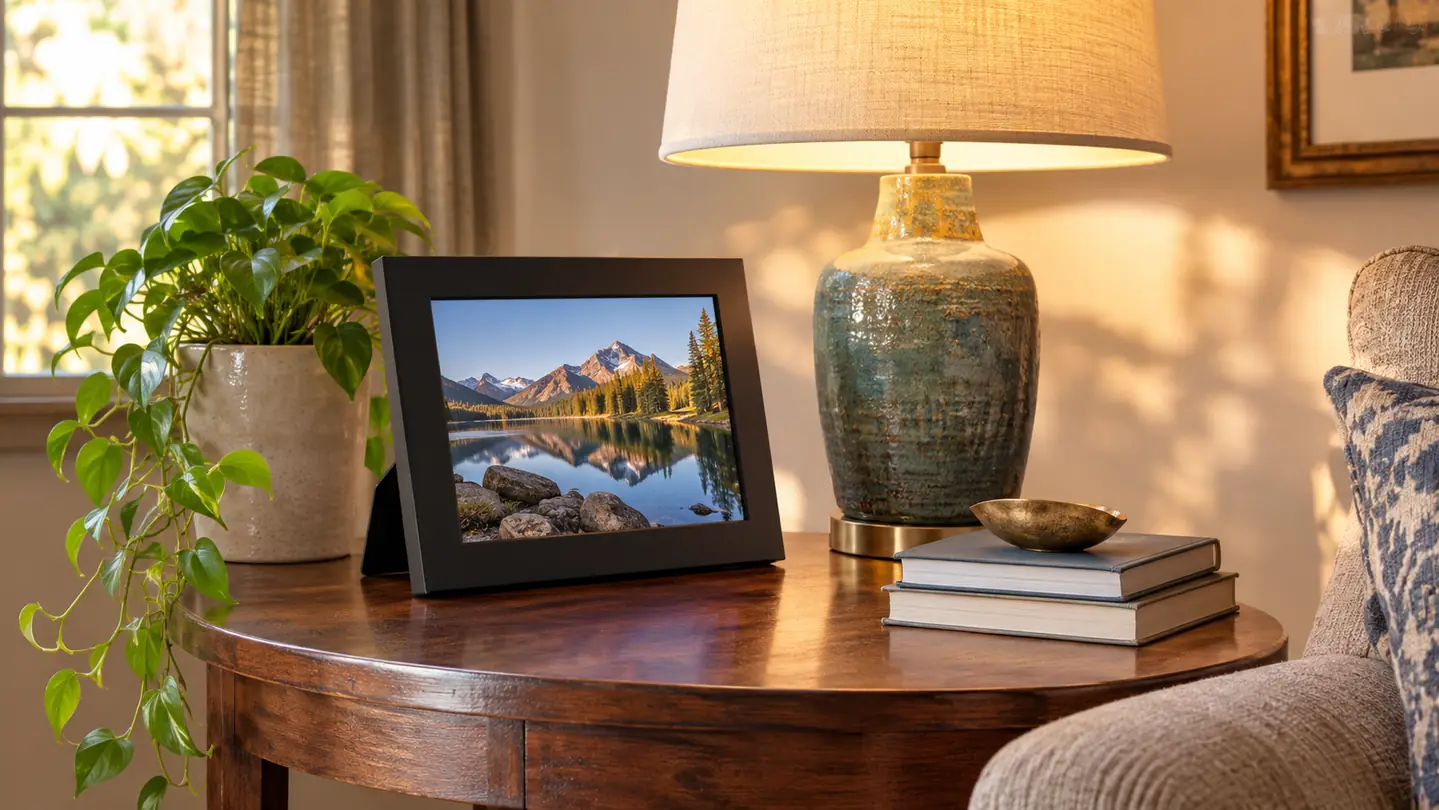
I bought a second one for my sister Ruth in the spring of 2025. She is sixty-eight, widowed, lives alone in Harrisburg, and has no grandchildren of her own, which is exactly why I did it. Her nieces and nephews send to it. It sits on the end table in her living room, and she has told me twice that she looks at it more than she looks at the television. I set it up at her kitchen table with her Wi-Fi password written on the back of an envelope.
That is how these get bought, in my experience. Somebody in the family decides, usually an adult child, sometimes a sibling, and the person receiving it does not pick it out. Which means the person buying should be thinking less about the frame and more about the family. Is there one person who will take responsibility for the address and get it into everyone's contacts? If the answer is no, the frame will sit there showing the same six pictures it came with, and it will be a very expensive clock.
In our house there was such a person. It was my daughter. That is the whole reason this has worked for months rather than for a week, and it is the honest answer to the question people keep asking me about it.
Who This Is For
You are buying for a parent or grandparent who uses a phone for pictures but does not enjoy it, and who would rather look at something sitting on a counter than open an app. It suits a family with one organizer who will set it up, collect the photographs, and keep the email address circulating. It suits a house with a free outlet and a counter or end table where a ten-inch frame can stand and be walked past a dozen times a day. And it suits a person who is not going to read instructions, because after the first fifteen minutes there is nothing left to read.
Who Should Skip It
Skip it if the person you are buying for has no Wi-Fi, or lives somewhere the signal does not reach the room where the frame would go. Skip it if nobody in the family will take the organizer job, because a frame that receives nothing shows nothing. Skip it if the recipient actively dislikes screens and would rather have prints, which is a real preference and not a failure on anybody's part. And skip it if you need something to hang on a wall, since this is a piece that stands on a surface. If you are torn between this and the other well-known name in frames, my comparison of the two covers where each one actually wins.
If one person in your family will set it up, this is the one to get
Ours has been on the kitchen counter since December 2024. One phone call to set up, then the photographs come in on their own and nobody has to ask for them.
Amazon Check Today's Price on Amazon →